Deepcharts Trade Copier: Trade Dispensary Now Supports TradersLaunch
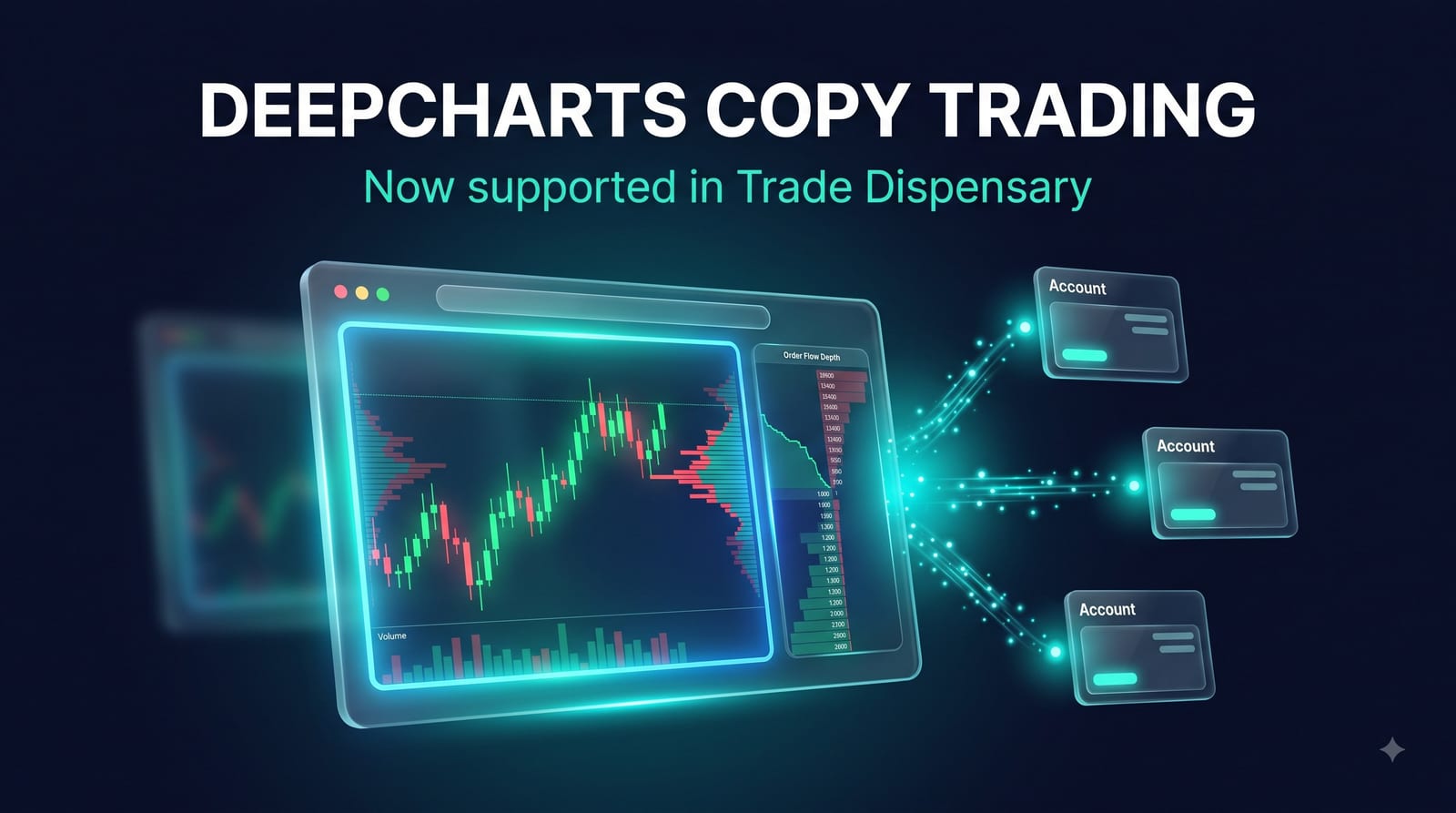
Deepcharts has become one of the fastest-growing platforms in futures prop trading, and until now it has been one of the hardest to automate. Most firms running it disable external API access, so traditional trade copiers simply cannot connect. Trade Dispensary solves this with a new destination type that executes trades directly in the Deepcharts web platform itself, running locally on your machine. If you hold accounts at TradersLaunch or another Deepcharts-based firm, you can now copy trades into them automatically.
Trade Dispensary now supports Deepcharts-based prop firm web platforms as destination accounts, including TradersLaunch. It drives the platform's own browser interface through a private local session, so no API keys and no cloud relay are needed. Market entries and full position exits are copied from MT5, TradingView, NinjaTrader, cTrader, or Telegram signals, with everything executing from your own machine and IP.
What Is Deepcharts and Which Prop Firms Use It?
Deepcharts is a browser-based futures trading platform built around order flow tools: footprint charts, volume profiles, and a real-time DOM ladder. It runs entirely in the browser with no download or installation, which is why a growing list of futures prop firms have adopted it as their primary trading environment. Reviewers describe it as one of the standout order flow platforms in prop trading for 2026.
The most prominent firm in the Deepcharts ecosystem is TradersLaunch, a futures prop firm offering evaluation accounts with end-of-day drawdown and fast payout processing. Directories like Prop Firm Match track the full list of firms offering the platform, and that list keeps growing.
The catch for systematic traders: browser platforms like this have no Expert Advisors, no scripting language, and in most prop firm configurations, no external API. Until now, automating them meant clicking every trade by hand.
How Does Trade Dispensary Copy Trades to Deepcharts Accounts?
Trade Dispensary opens a private, automated browser session on your own machine, logs into your prop firm's Deepcharts web platform with your normal credentials, and executes trades directly in the platform's interface the moment a signal arrives from your source account. There is no API key, no third-party bridge, and no cloud server in the chain.
In practice, the flow looks like this:
- Your source fires a trade signal: an MT5 EA, a TradingView webhook alert, a NinjaTrader strategy, a cTrader cBot, or a parsed Telegram signal.
- Trade Dispensary receives the signal locally and matches it against your copy rule for the Deepcharts destination.
- The local browser session places the order in the prop firm's web platform, exactly as if you had clicked it yourself.
- When your source closes the trade, Trade Dispensary flattens the position on the destination.
You can run the browser session headless (invisible, in the background) or visible if you want to watch the platform execute your trades in real time. Symbol mapping is simple too: map your source symbol to a plain root like MNQ and Trade Dispensary selects the front month contract automatically, so there are no quarterly contract code updates to maintain.
Why Local Execution Matters for Prop Firm Payouts
This integration follows the same architecture as every other Trade Dispensary destination: everything runs on your own machine. That matters more with prop firms than anywhere else.
Cloud copy services route orders for thousands of traders through shared servers. Prop firms detect that pattern (identical fills, same source IP, same millisecond) and treat it as group trading, which is a payout denial risk. A local copier produces none of those signals because your orders originate from your own connection, just like manual clicks. We covered the full compliance picture in our guide on how to use a trade copier without getting flagged by your prop firm.
With evaluation pricing at historic lows across the industry (see our breakdown of the 2026 prop firm price war), many traders are running accounts at multiple firms on different platforms at the same time. Deepcharts support closes one of the last gaps: one strategy, one local copier, executing across ProjectX firms, NinjaTrader, MT5, cTrader, Bybit, and now Deepcharts-based firms simultaneously.
TradersLaunch and Deepcharts: What Traders Should Know
TradersLaunch is a futures prop firm known for a fast path to funded status, daily withdrawal requests, and end-of-day drawdown instead of the intraday trailing drawdown that catches so many traders out. Independent reviews note its published rules and public payout examples, which is more transparency than much of the industry offers.
Deepcharts firms deliver their trading environment through the same web platform, and they are now reachable as Trade Dispensary destination accounts. Trade Dispensary is independent software and is not affiliated with or endorsed by any of them; as always, review your firm's terms before automating any account.
What Can You Copy in Version 1?
Version 1 of the Deepcharts destination supports market entries and full position exits per instrument. These platforms are netting platforms, meaning one net position per instrument, so a close signal from your source flattens the destination position entirely. Stop loss and take profit levels live on your source platform, and when your source bracket fires and closes the trade, the exit is copied across.
This covers the core use case cleanly: a strategy or signal source enters and exits, and your funded account mirrors it. If your workflow depends on resting bracket orders held natively on the destination, our other destination integrations like NinjaTrader and ProjectX platforms support full OCO brackets today, and the Deepcharts destination will expand over time.
Setting Up a Deepcharts Destination Account
Setup takes a few minutes:
- 1. Add the destination. In Trade Dispensary, create a new destination account and choose the Deepcharts platform type (this is the engine behind the Deepcharts web platforms used by these firms). Enter your prop firm platform URL, login email, and password. Credentials are stored locally on your machine only.
- 2. Test the connection. Hit Test Connection. Trade Dispensary launches the browser session, logs in, and reports your account ID when it connects successfully.
- 3. Create a copy rule. Link your source account to the new destination, map your symbols (a plain root symbol like MNQ works), and set your contract size.
- 4. Trade. Fire a signal from your source and watch it land in your funded account.
If you are still working toward funded status, our guide on how to pass a prop firm futures challenge in 2026 covers the rules, sizing, and discipline side of the equation.
One Copier, Every Platform
Deepcharts support extends what Trade Dispensary has always been: a single, self-hosted execution layer between your strategy and every account you trade. One license, no monthly fees, no cloud dependency, and now one more major prop firm platform in reach.
Explore the full platform lineup on the features page, or head to the purchase page to get started. Existing license holders get the Deepcharts destination in the latest build at no extra cost: just download the current version and add your account.
Frequently Asked Questions
Does Trade Dispensary support Deepcharts prop firm accounts?
Yes. Trade Dispensary now supports Deepcharts-based web platforms as destination accounts. This includes prop firms like TradersLaunch. Trades from your source platform (MT5, TradingView, NinjaTrader, cTrader, or Telegram signals) are executed directly in the prop firm's own web platform through a local browser session on your machine.
Do I need an API key to connect my TradersLaunch account?
No. Most prop firms disable external API access on their web platforms. Trade Dispensary works differently: it drives the platform's own web interface through a private browser session running locally on your machine, using your normal platform login. No API keys, no third-party bridge, no cloud relay.
Is this compliant with prop firm rules?
Trade Dispensary is self-hosted software. Orders originate from your own machine and your own IP address, the same as if you clicked the buy button yourself. There is no shared cloud server coordinating trades across multiple traders, which is the pattern prop firms actually prohibit. Always review your specific firm's terms before automating.
What order types are supported on Deepcharts destinations?
Version 1 supports market entries and full position exits per instrument. Deepcharts-based platforms are netting platforms, so a close signal flattens the instrument's entire position. Stop loss and take profit brackets are managed on your source platform, and exit signals are copied across when your source closes.
Can I use a simple symbol like MNQ instead of the full contract name?
Yes. You can map your source symbol to a plain root symbol like MNQ. Trade Dispensary searches the platform's instrument list and selects the front month contract automatically, so you do not need to update contract codes every quarter.
Tags:
Share this post
Related Posts
Continue learning about copy trading with these related articles: